How to Extract Urdu Text from Mufti Tariq Masood's YouTube Bayans
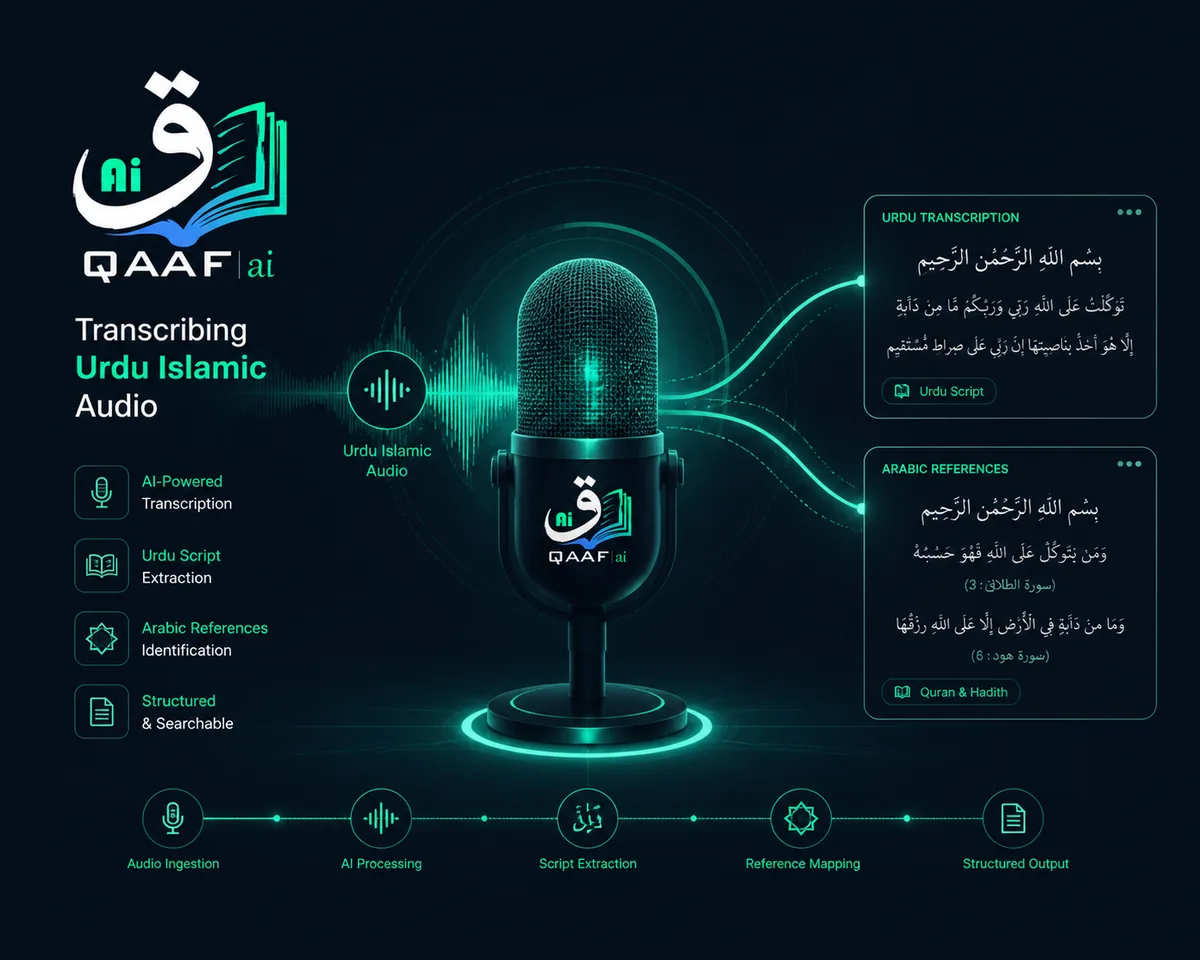
Thousands of students and followers of Mufti Tariq Masood listen to his insightful Bayans every week. However, when you want to share a specific ruling (Masla) on WhatsApp, write an article, or create notes for a Madrasa assignment, manually typing out a 40-minute lecture in Urdu is exhausting.
The Old Way vs. The AI Way
Previously, students had to pause and play the video constantly, struggling to type Urdu on their keyboards. General AI tools like Google Docs voice typing often fail to understand Islamic terminology (like Fiqh, Hadith references, or Arabic mixed with Urdu).
Step-by-Step: Extracting the Text Instantly
- Copy the YouTube Link: Go to the specific Mufti Tariq Masood Bayan on YouTube and copy the URL.
- Open Qaaf AI Transcriber: Navigate to the Audio Transcriber tool on Qaaf AI.
- Paste and Process: Paste the YouTube link into the "Option A" box. Our system uses advanced AI models fine-tuned for regional languages and Islamic contexts.
- Download your Notes: Within minutes, you will receive a fully formatted text document of the entire lecture in perfectly typed Urdu.
💡 Pro Tip for Islamic Publishers
If you are compiling a book of Bayans, you can use the same tool to automatically translate the transcribed Urdu text into English or Sindhi for broader distribution.
About the Author: Eng. Ali
Ali is the Lead AI Architect and Founder of Qaaf AI. With deep expertise in Natural Language Processing (NLP) and Islamic software infrastructure, he provides global IT consulting for Darul Ulooms and NGOs. Qaaf AI's tools are used by established Islamic publishers and research institutes.
Ready to save time?
Upload a file and see the output before you commit to anything.
Try Qaaf AI free